 Little Loops
Reminders that wake you
Any reminder can ring as a real alarm, through silent mode and through Focus. It is a per device choice, so one parent being woken does not ring everyone else's phone.
Little Loops reads what you log and tells you plainly whether the day is on track.
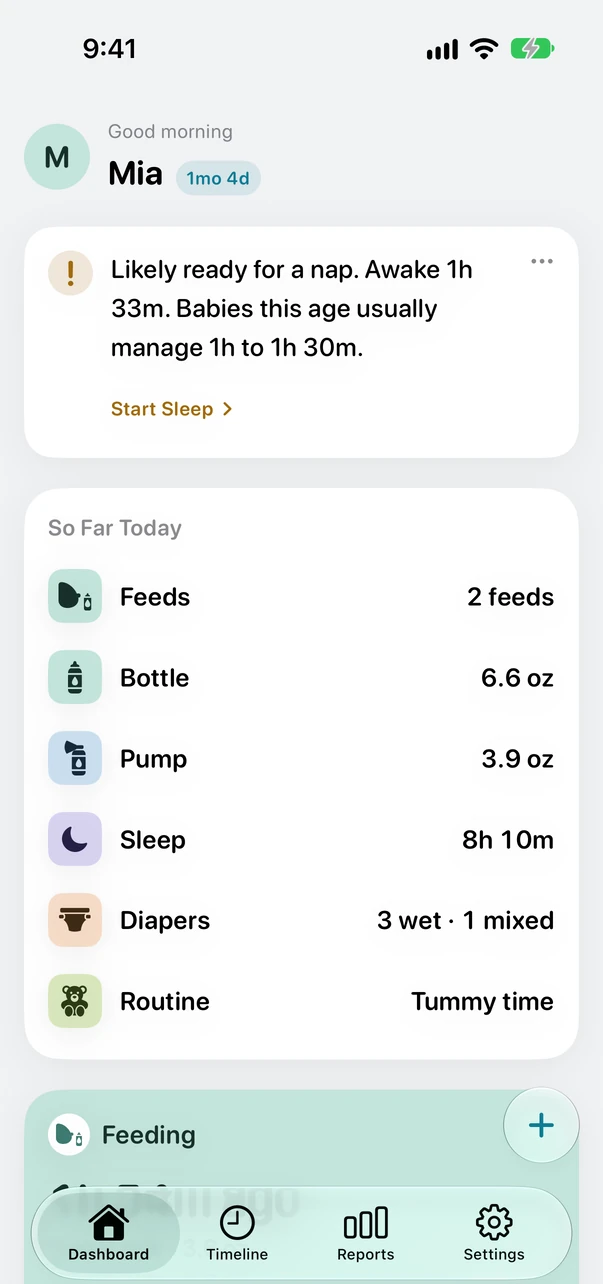
Every other app can tell you there were six feeds today. What you actually want to know is whether six is fine. Little Loops answers that, in the words you would want from someone who had done this before.
A good milestone. Most babies get here by around two weeks.
Night sleep is starting to consolidate.
Babies this age typically have at least 6. Consider contacting your pediatrician.
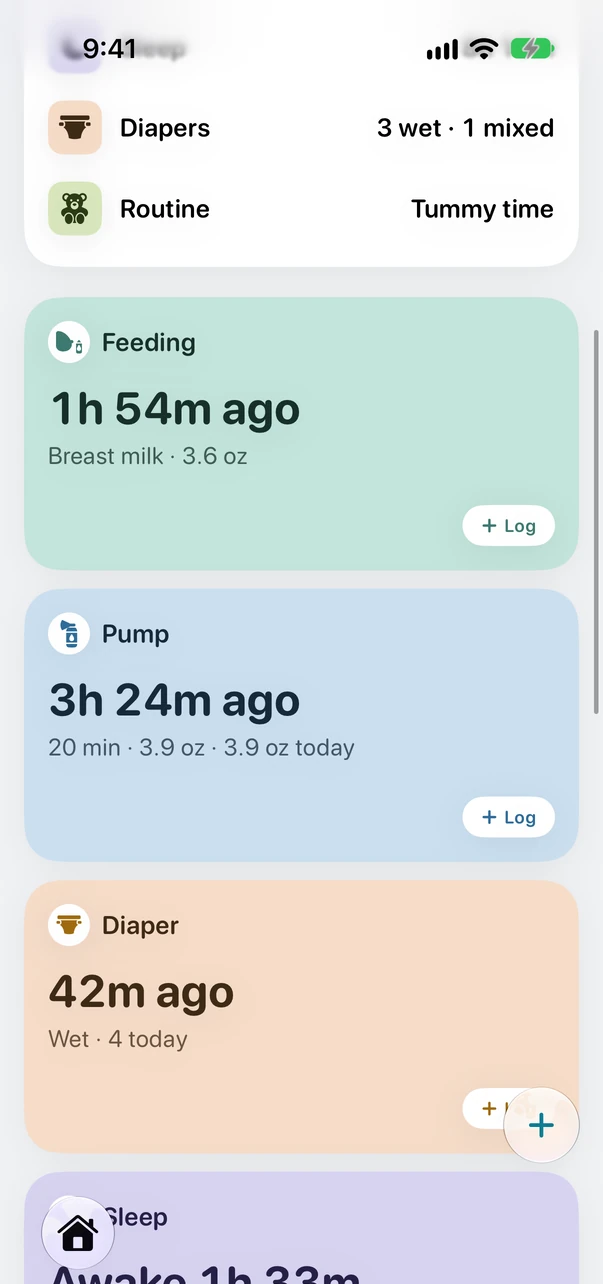
A one week old and a six week old need different things. Little Loops knows which day you are on and only shows you what is relevant to it.
Age typical ranges are context, never a verdict. Little Loops does not diagnose anything.
You are holding a baby. The lights are off. You have one thumb and about four seconds of patience. That is the situation the whole app is designed around.
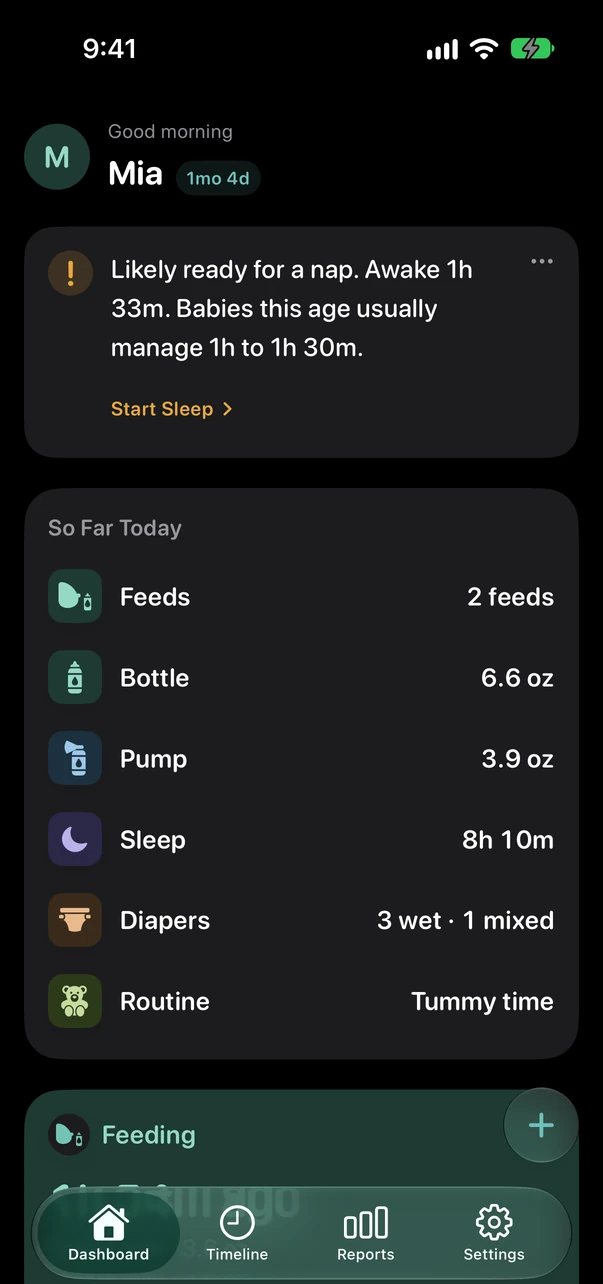
Works where you already are
Start a feed, switch sides, log a diaper, end a timer. The phone can stay in the other room, and anything you log while it is out of range sends by itself when the two are back together.
A running feed, pump or nap sits on the Lock Screen and in the Dynamic Island. Pause or switch sides without unlocking.
One press brings up your family's usual feeds. Your regular 4 oz bottle logs itself.
Time since the last feed and the last diaper, on the Home Screen, the Lock Screen and your watch face.
Any reminder can ring as a real alarm, through silent mode and through Focus. It is a per device choice, so one parent being woken does not ring everyone else's phone.
Ten phrases work the day you install it. Hands full, phone across the room, lights off.
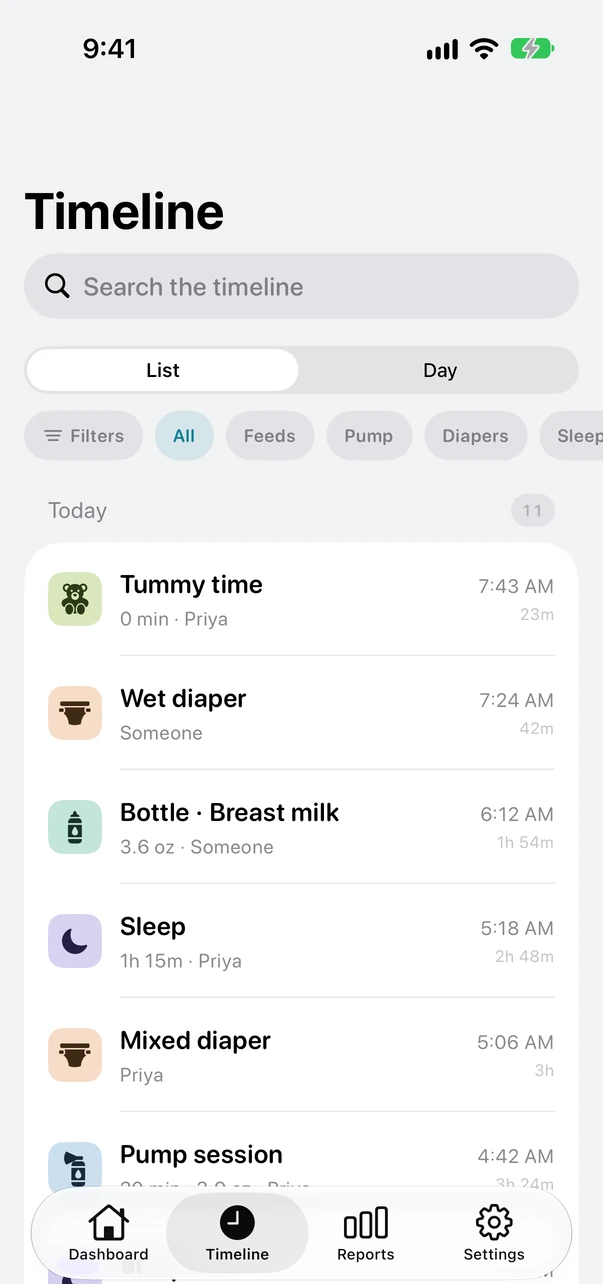
Invite a partner, a grandparent or a night nurse with a six character code. Every event carries the name of whoever logged it, so nobody has to ask.
Most trackers treat a bottle as data and a breastfeed as a stopwatch. If you are doing some of both, the number you most want is the one they cannot show you.
The estimate is a rough guide, not a measurement, and it says so everywhere it appears. You can turn it off, and the summary you show your pediatrician never uses it.
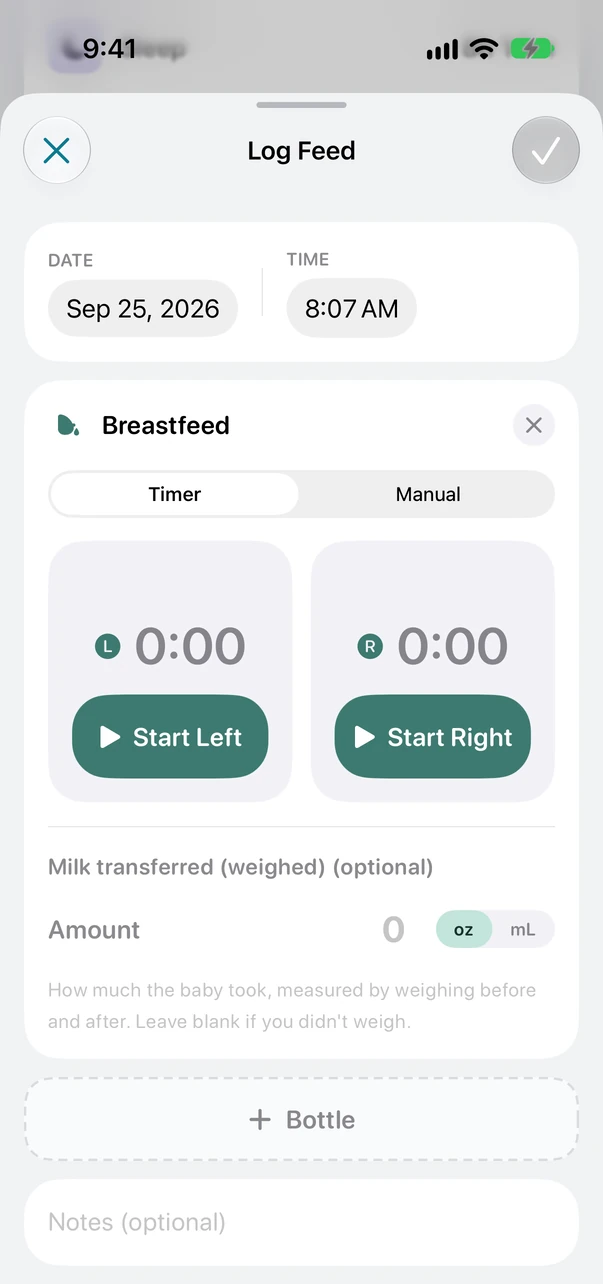
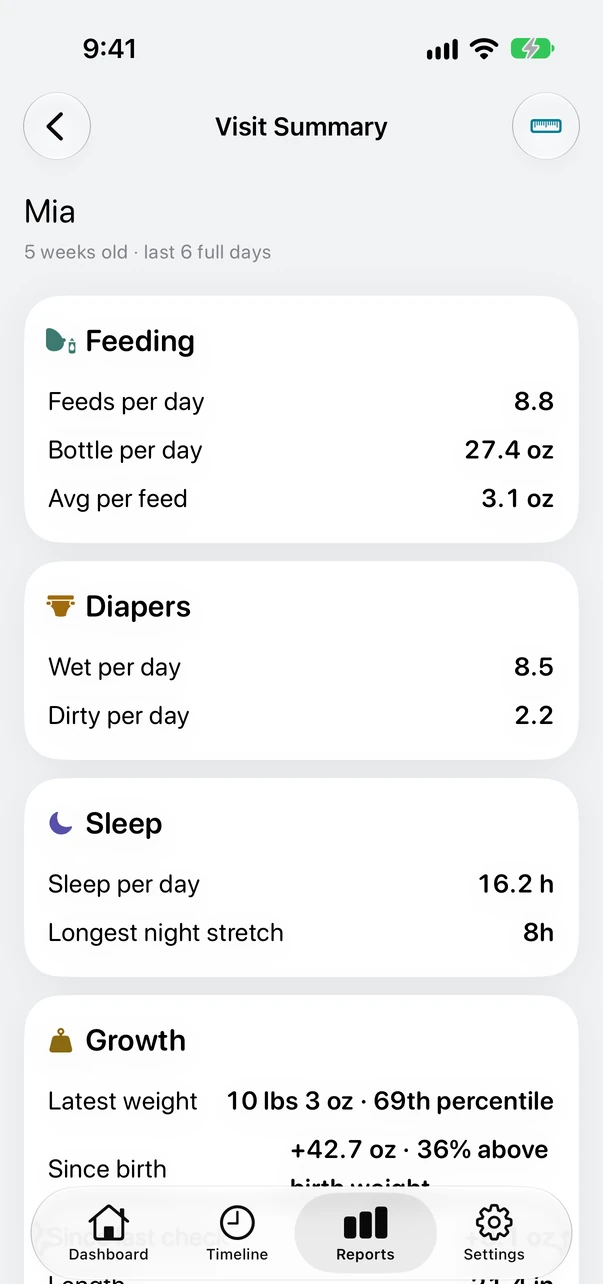
They weigh your baby and plot the curve themselves at the visit. What they ask you is how often the feeds come, how many wet diapers there were, and how sleep is going. That is one screen, and you can read it straight off the phone in the room.
It is a summary of what you logged. It does not diagnose anything. Your pediatrician does that.
No advertising. No tracking. Nothing about your baby is sold to anyone, ever.
Import a CSV export from Huckleberry or Nara Baby and your history comes with you: feeds, diapers, sleep, pumping, growth and medications. You see a preview with counts and a date range before anything is written, and importing the same file twice never creates duplicates.
Export everything to CSV whenever you like, with no paywall in front of it. It reads back into Little Loops, so it doubles as a backup and as the way you move to a new phone. An app that can only be imported into is a trap, however good it is.
Every comparison page on the internet is written by someone who wins it. Here is where this app will not suit you.
I started building Little Loops as a first time dad, one handed, mostly while nap trapped under a baby who woke the moment I moved.
We were already using a tracker, and I still spent the small hours googling. Are we feeding her enough? Is four wet diapers enough on day five? Is any of this normal? Every answer depended on numbers I had just typed into that app, and it never once offered one.
It has changed every week since June, and it still does, shaped by our own nights and by what other parents tell me is missing. If something here is wrong, or annoying, or you tried it and it did not fit your family, I would rather hear it.
Rohit, Little Loops
There is no date yet, and we would rather not invent one. The beta comes first. Join the list and you will get an invite before the App Store listing exists.
Logging is free, always: every feed, diaper and nap, timers, widgets, growth charts, sharing with your partner and caregivers, and the last 7 days of reports. Little Loops Plus adds 14 and 30 day reports, patterns, the Visit Summary, Ask Little Loops and the Apple Watch app for $5.99 a month or $39.99 a year. Every new family gets Plus free for two weeks with no payment details, and everyone who joins the beta keeps it free for good.
No. You invite caregivers with a six character code and everyone can read and log everything. Invite codes expire after 24 hours.
Yes, if you can export a CSV. Huckleberry and Nara Baby are both supported directly. Anything the importer cannot map is counted and shown to you rather than dropped quietly.
Yes. Logging works fully offline. Entries are written to the device immediately and sync when you reconnect, even if you closed the app in between.
Not yet. Little Loops tracks one baby, with no switcher. Multiple babies are planned but are not in the first release.
Not currently. Little Loops leans on iPhone and Apple Watch features like Live Activities, App Intents and the Action Button, so Android would be a rebuild rather than a port. If enough people want one it is worth doing, so email rohit@hummingbirdtech.xyz and I will keep count.
Beta invites go out in the order people join.